
You go to the shop next door to grab a Coke.
You see a stand full of USB cables. You grab the best-looking one.
You go home, plug it in… and it’s slow as hell.
But hey!! you bought the orange one, man!
The orange colour should count for something, right?
It should be the newest, speediest, meanest one!
Well… not exactly but let me explain.
Before we talk about all those numbers and letters — USB 2.0, 3.0, 3.2, Type-C — let’s fix one big confusion first.
There’s a difference between USB type and USB version.
Most people mix them up.
Type is the shape of the plug.
Version is the speed and technology behind it.
So Type-A, Type-B, and Type-C?
That’s just the shape.
But USB 2.0, 3.0, 3.1, 3.2?
That’s the version — how fast it moves your data or charges your phone.
Simple, right?
Now let’s see what all these versions actually mean.
USB 1.0 and 2.0 — The Slow and Steady Grandpa
USB 1.0 came out in the late 90s. It was slow. Like, really slow. Think 12 Mbps. That’s not even enough to load a YouTube video today.
Then came USB 2.0, around 2000. Big upgrade — 480 Mbps.
At that time, that was lightning.
Even today, a ton of cheap devices and flash drives still use USB 2.0.
If your cable or port is black inside — yep, that’s probably 2.0.
Good for keyboards, mice, and maybe charging your Bluetooth earphones.
But don’t expect any magic speed.
USB 3.0 and 3.1 — The Big Speed Boost
Now we’re talking.
When USB 3.0 showed up, it pushed speeds up to 5 Gbps.
That’s around 10 times faster than 2.0.
Finally, you could transfer a big movie file without aging in the process.
Then came USB 3.1, and later 3.2, which pushed it even further — up to 10 or 20 Gbps, depending on the version.
Here’s the trick though: all those versions look the same from outside.
You might have a blue connector or maybe a label saying “SS” (which stands for SuperSpeed).
That usually means USB 3.x.
But not always. Because, of course, they had to make it confusing.
Type-A, Type-B, Type-C — The Shapes Game
Remember what I said earlier? Type = shape.
Here’s a quick crash course:
Type-A: The big rectangular one you’ve seen for ages. Still everywhere.
Type-B: The square-ish one that printers love for some reason.
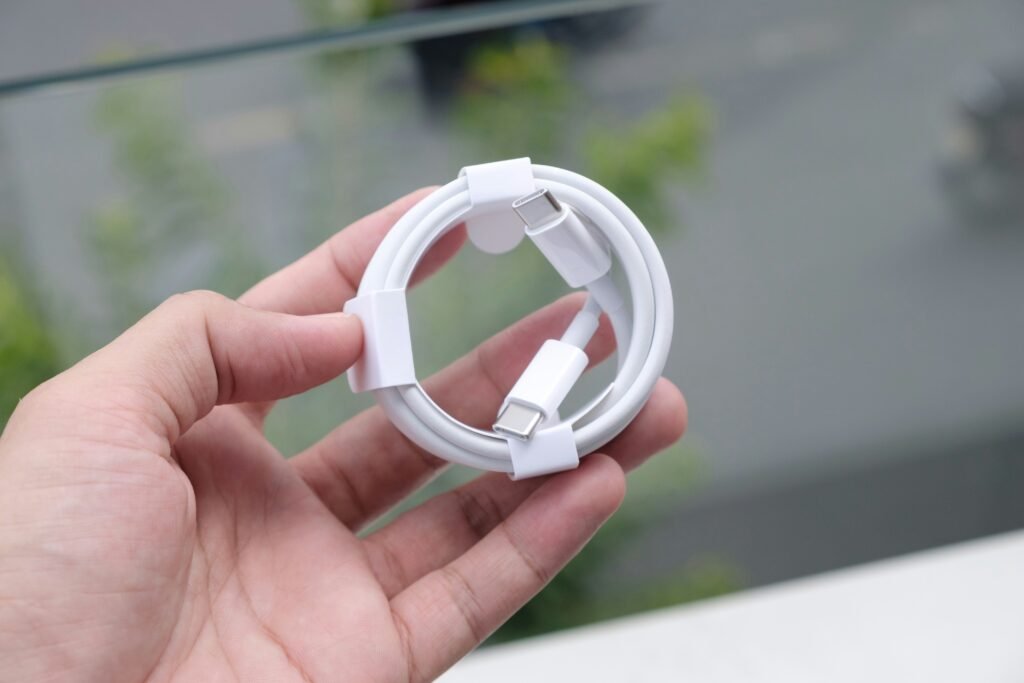
Type-C: The new fancy one — small, reversible, and fast.
Type-C doesn’t automatically mean it’s super fast, though.
You can have a Type-C cable that’s actually USB 2.0 inside.
Yeah… it looks modern, but it’s slow as a turtle.
So the next time you buy a cable, don’t just look at the shape.
Look for the version number — or at least the words like SuperSpeed, 10 Gbps, or PD (Power Delivery) for faster charging.
Why Everyone’s Moving to Type-C
Type-C is slowly taking over the world — and for good reason.
It’s reversible, works for charging, data, audio, and even video.
It’s one connector for everything — laptops, phones, tablets, cameras, you name it.
And it supports crazy power levels.
We’re talking 100 watts or more — enough to charge your laptop.
That’s why your new phone or laptop probably ditched the old Type-A ports.